Skip to content
Triplett Full Product Catalog: Volume 27 Now Available

Country

Product Information

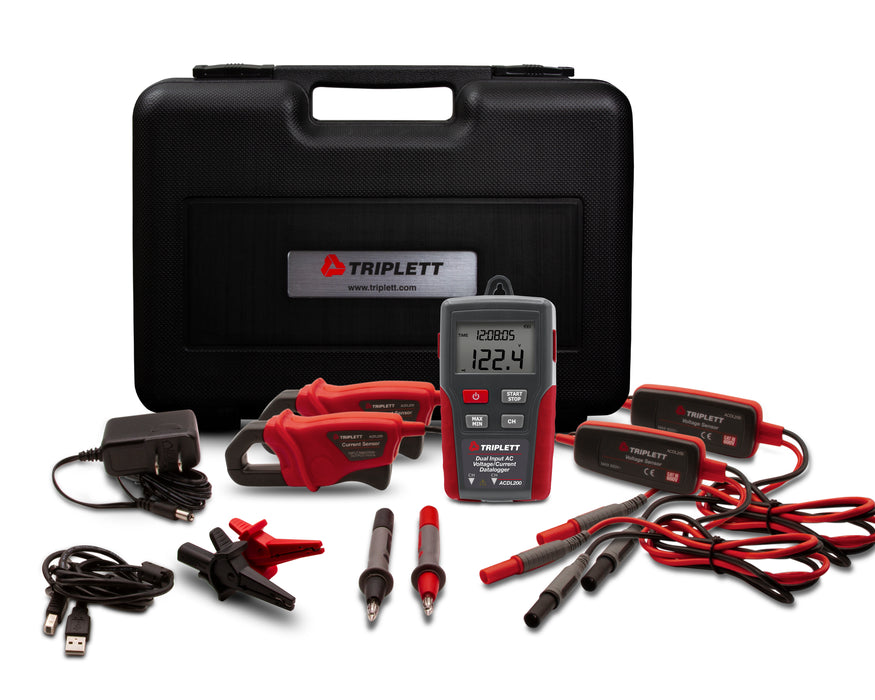
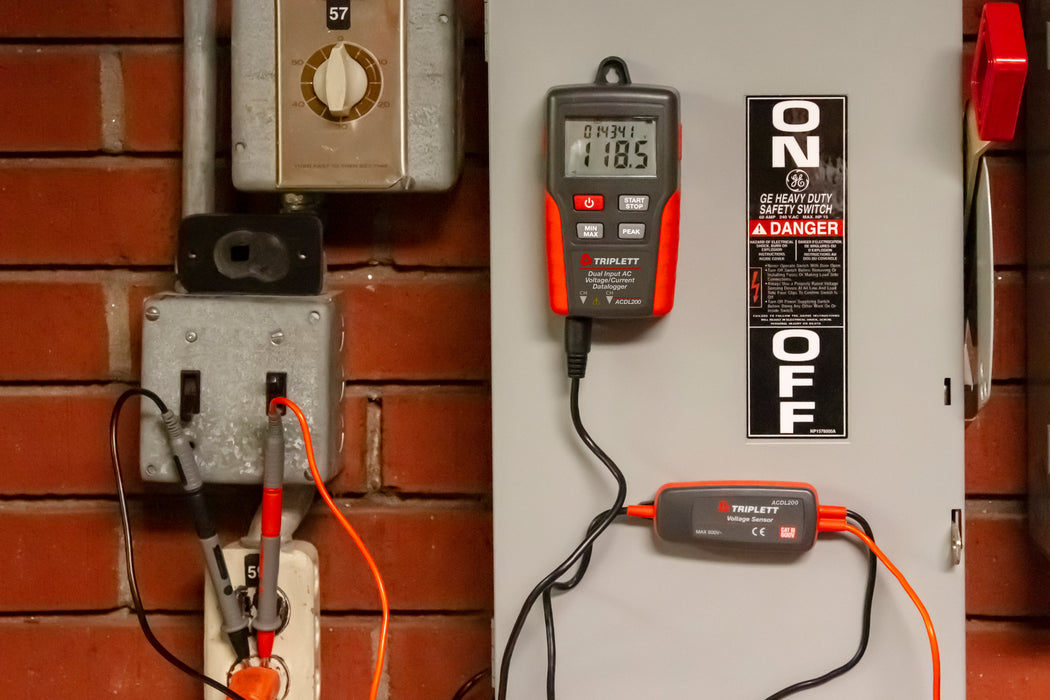
The Triplett Model ACDL200 Dual Input True RMS AC Voltage(600V) /Current (200A) Datalogger can datalog up to 131,000 measurements (dual input) or 256,000 measurements (single input) and provides dual channel recording of TRMS Voltage/Voltage or Current/Current or Voltage/Current using a 1 second to 24 hour selectable sampling rate. Features include a multifunction LCD display, real time clock, and Min/Max recalls highest and lowest readings. Includes 2 sets of Test Leads, 2 Current Clamps, (4) AAA batteries, AC Adapter, and USB cable. 1 year warranty.


CATEGORY: VOLTAGE & CURRENT DATALOGGERS

  • Datalog up to 256,000 measurements (single input)
        or 131,000 measurements (dual input)
  • Dual channel recording of TRMS Voltage/Voltage
        or Current/Current or Voltage/Current
  • 1 second to 24 hour selectable sampling rate
  • Jaw size 0.5" (12.7mm)
  • Multifunction LCD display
  • Real time clock
  • Min/Max recalls highest and lowest readings
  • Low battery indicator
  • Includes 2 sets of Test Leads, 2 Current Clamp, (4) AAA batteries,
        AC Adapter, and USB cable
  • 1 year warranty
  ACDL200
Channels Two, TRMS AC Voltage/Voltage or
TRMS AC Current/Current or
TRMS AC Voltage/Current
AC Voltage Range
(40-1kHz)
10 to 600.0V
Accuracy ±2%±1V
AC Current Range (50/60Hz) 10 to 200.0A
Accuracy ±2%±1A
Datalogger 256,000 single channel or 131,000 dual channel
Sample Rate Selectable 1 second to 24 hours
PC Interface USB port
Power 4 AAA batteries or AC Adapter
Safety Category CAT III-600V
Dimensions 4.5 x 2.5 x 1.3" (114 x 63 x 34mm)
Weight 8.7oz (248g)
If your Triplett devices are not functioning after upgrading to Windows 11, it's important to ensure that the drivers are correctly installed. Our drivers are not version specific and should be compatible with Windows 11. When installing, a setup window labeled “Dual channel Voltage and Current Datalogger 2.5.0 setup” will appear. Please make sure to check off both the Datalogger and Driver options during installation.
It is recommended to verify that the port being used is active (try another device to make sure the port works). If the unit still will not connect you will want to reinstall the software and make sure the “Driver” option is checked off as well as the “Datalogger” option during the install. This should pop up in a window while installing the software.
If the clock on the ACDL200 syncs correctly with the PC clock, it is likely functioning as intended. The real-time clock is primarily designed for timestamping in record and download sessions, not as a standard clock display. To confirm its accuracy, perform a record and download session and check if the dates and times align correctly. Additionally, the test leads must be connected for the device to enter REC Mode. If the problem continues after these steps, please consult our customer support for further guidance.
The “LO” indicator signifies that there is either no signal available for measurement or the voltage/current signal is too weak. The minimum threshold this unit can read is 10A and 10V. Any signals weaker than these values will be displayed as “LO”.
Yes, the software is designed to be compatible with Windows 7. However, it's essential to ensure that the USB driver is properly installed. You can find this in the USB driver file labeled “USB_Driver_Setup.bat”.
 Need Help? Our experts are here to help you 
Contact Us