Product Information
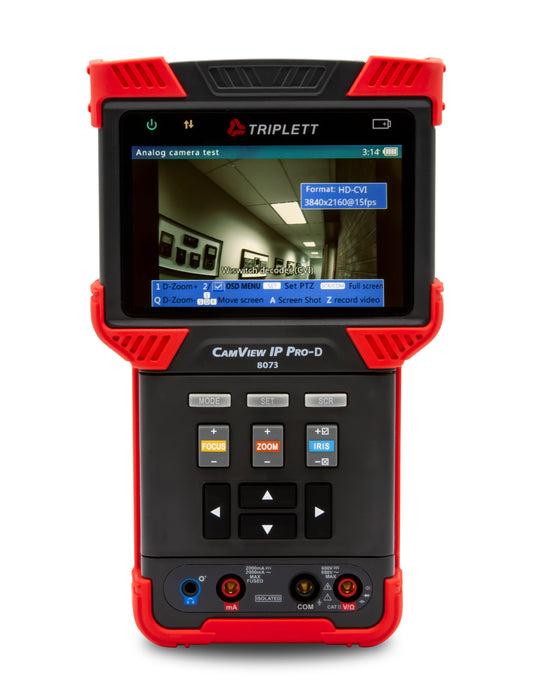
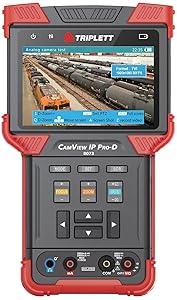
The CamView IP Pro, Pro+, and Pro-D are designed to facilitate the installation and maintenance of surveillance video equipment. The Tester works with both Standard Definition analog NTSC/PAL camera systems, High Definition Analog, and ONVIF conformant IP (Ethernet) camera systems. Also, the testers provide an RS485 port for PTZ control of analog PTZ cameras and can provide POE for operating IP cameras, or 12VDC (not to exceed 2A) to power analog cameras. The IP Camera Tester allows you to perform Ethernet and network tests, capture video (snapshots and video recording), playback video, generate video test patterns for monitor checking and perform analog camera testing. They also allow you to check microphone/audio sources and even provide a bright flashlight function. Both recorded images and video can be transferred to PCs or other devices via the USB port connection.
![]()
CATEGORY: SECURITY CAMERA TESTERS
- IP (H.265) and Analog (AHD 2.0, HD-TVI 3.0, HD-CVI 3.0, and NTSC/PAL) security camera tester
- Provides an RS485 port for PTZ control of analog PTZ cameras
- POE for IP cameras or 12VDC to analog cameras
- Ethernet and network tests; Capture snapshots and video recordings; Generate video test patterns for monitor checking
Triplett 8073 IP PRO-D Ruggedized IP & Analog NTSC/PAL/AHD, HD-CVI & HD-TVI Camera Tester
No Network. No Power. No Problem
The CamView IP Pro-D works with IP and Analog SD cameras, as well as AHD, HD-CVI and HD-TVI (encoding 3.0) models to allow you to test, verify, and troubleshoot cameras, cables, and networks even before the network is setup, or even before the power is setup. It works with the most popular AHD, HD-CVI, HD-TVI, IP, and Analog NTSC/PAL cameras.
Troubleshooting Simplified
With an intuitive user interface, and no need to download Apps or manufacturer-specific software, the CamView IP Pro is your security camera test solution. Compact, lightweight, and ruggedized for real-world use, the CamView IP Pro D also features a built in DMM.
Works with or without a network. Test the most popular IP & Analog cameras!
AHD, HD-CVI & HD-TVI + High Definition, 1080P display
- Built-in DHCP server & DMM
- Set & Assign IP addresses to cameras & Auto-detect IP settings on networks
- Powers both IP and Analog cameras
- H.265 IP Camera Tests *ONVIF Compliant
- Configure Camera’s Parameters
- 10M/100M/1G Ethernet Link Test, Ethernet Loop Detection and more!
- RS485 PTZ Control Test
- Screen Shot, Video Recording, Playback & Reports
Triplett Solutions for Every Technician
|
|
|
|
|
|---|---|---|---|
No Network RequiredThe built-in DHCP server allows you to set and assign IP addresses to cameras, auto-detect IP settings on networks, as well as ping, sniff, and list subnet. You can also record, save, and export full IP camera reports. |
No Power RequiredThe CamView powers IP cameras without the need for external PoE and powers analog cameras--12 VDC < 2A. IP camera tests include: discover the camera, view camera's video, configure camera's parameters, and more. |
Built-In TestingThe CamView IP features an analog camera test, a RS485 PTZ control test, and TDR cable tests. Ethernet tests include: 10M/100M/1G Ethernet link test, packet loss test, and Ethernet loop detection. |
Built-In DMMThe CamView IP Pro-D has a built-in Digital Multimeter (DMM). It can measure AC/DC Voltage, AC/DC Current, Resistance, Capacitance, Diode Forward Voltage, and Circuit Continuity. |
Compare CamView Camera Testers
|
|
|
|
|
|
|
|---|---|---|---|---|---|---|
| CamView HD Pro (8065) | CamView IP Pro-8W (8066) | CamView IP Pro (8070) | CamView IP Pro+ (8071) | CamView IP Pro-D (8073) | CamView IP Pro-X (8075) | |
| Display | 4" TFT | 4" IPS Touchscreen | 4" TFT | 4" TFT | 4" TFT | 7" TFT Touchscreen |
| SD Analog | ✓ | ✓ | ✓ | ✓ | ✓ | ✓ |
| AHD / CVI / TVI | AHD 2.0 / CVI 3.0 / TVI 3.0 | AHD 2.0 / CVI 3.0 / TVI 3.0 | AHD 2.0 | AHD 2.0 / TVI 2.0 | AHD 3.0 / CVI 3.0 / TVI 3.0 | AHD 3.0 / CVI 3.0 / TVI 3.0 |
| IP (ONVIF Only) | H.264 and H.265 | H.264 | H.264 | H.265 | H.264 and H.265 | |
| Record Snapshot and Video | ✓ | ✓ | ✓ | ✓ | ✓ | ✓ |
| DHCP Server | ✓ | ✓ | ✓ | ✓ | ✓ | |
| 12VDC Output | ✓ | ✓ | ✓ | ✓ | ✓ | ✓ |
| POE Output | ✓ | ✓ | ✓ | ✓ | ✓ | |
| TDR Testing | Ethernet Only | Ethernet Only | Ethernet Only | Ethernet Only | ||
| Built-in DMM |
| Part Number | 8070 | 8071 | 8072 | 8073 |
| ENCODING | ||||
| SD Analog | x | x | x | x |
| AHD 2.0 | x | x | x | |
| AHD 3.0 | x | |||
| HD-CVI 2.0 | x | x | ||
| HD-CVI 3.0 | x | |||
| HD-TVI 2.0 | x | x | ||
| HD-TVI 3.0 | x | |||
| IP (ONVIF only) | x | x | x | x |
| H.264 | x | x | x | x |
| H.265 | x | |||
| FEATURES | ||||
| DHCP Server | x | x | x | x |
| MJPEG | x | x | x | x |
| 12VDC Output | x | x | x | x |
| POE Output | 15W | 15W | 15W | 15W |
| TDR Testing | Ethernet only | Ethernet only | Ethernet only | Ethernet only |
| Digital Multimeter | x | |||
| RS485 PTZ | x | x | x | x |
| Digital Zoom | x | x | x | x |
| Data Monitor | x | x | x | x |
| Analog Video Generator | x | x | x | x |
| HD Video Generator | up to 1080P 30fps | |||
| Record Snapshot | x | x | x | x |
| Record Video | x | x | x | x |
| Camera Report | IP only | IP only | IP only | IP only |
| File Export | x | x | x | x |
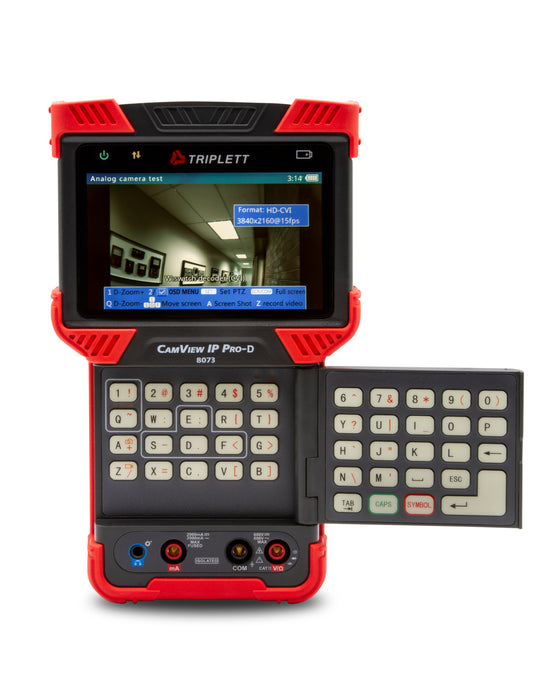
| Keyboard | Full QWERTY | Full QWERTY | Full QWERTY | Full QWERTY |
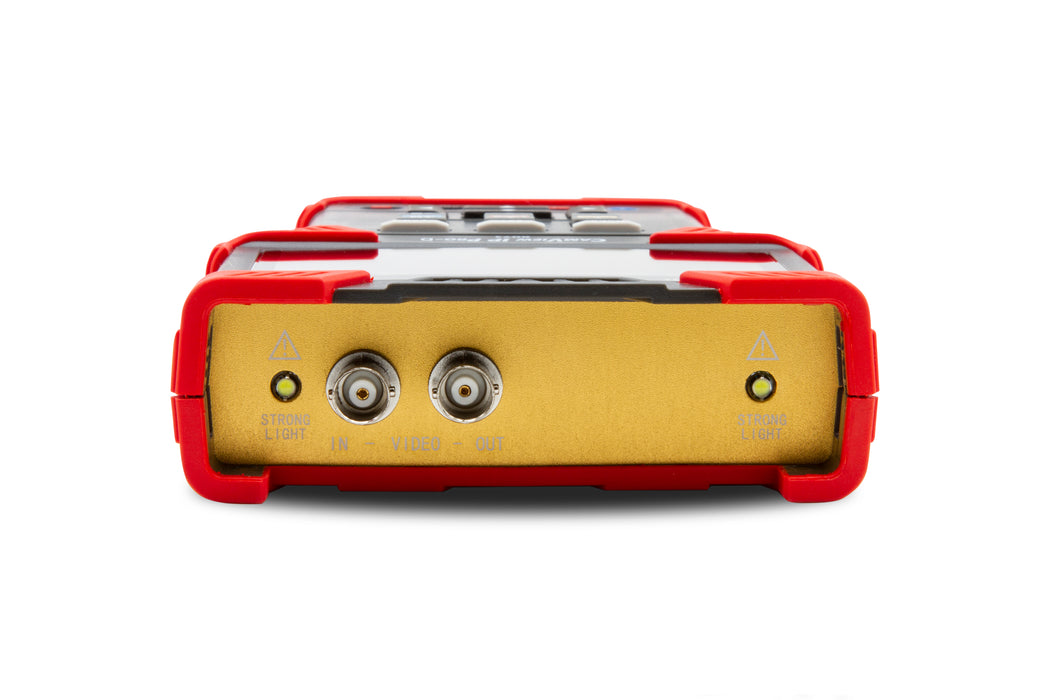
| Flashlight | x | x | x | x |
| PHYSICAL FEATURES | ||||
| Screen | Backlit 4" 16.7M color TFT | Backlit 4" 16.7M color TFT | Backlit 4" 16.7M color TFT | Backlit 4" 16.7M color TFT |
| Resolution | 800 x 480 | 800 x 480 | 800 x 480 | 800 x 480 |
| Inputs | ||||
| BNC | x | x | x | x |
| RJ45 | x | x | x | x |
| Outputs | ||||
| BNC | x | x | x | x |
| RJ45 | x | x | x | x |
| USB | Mini | Mini | Mini | Mini |
| Dimensions | 7.5 x 4.4 x 1.5" (190 x 113 37mm) | 7.5 x 4.4 x 1.5" (190 x 113 37mm) | 7.5 x 4.4 x 1.5" (190 x 113 37mm) | 7.5 x 4.4 x 1.5" (190 x 113 37mm) |
| Weight | 3.5lbs (1.6kg) | 3.5lbs (1.6kg) | 3.5lbs (1.6kg) | 3.5lbs (1.6kg) |
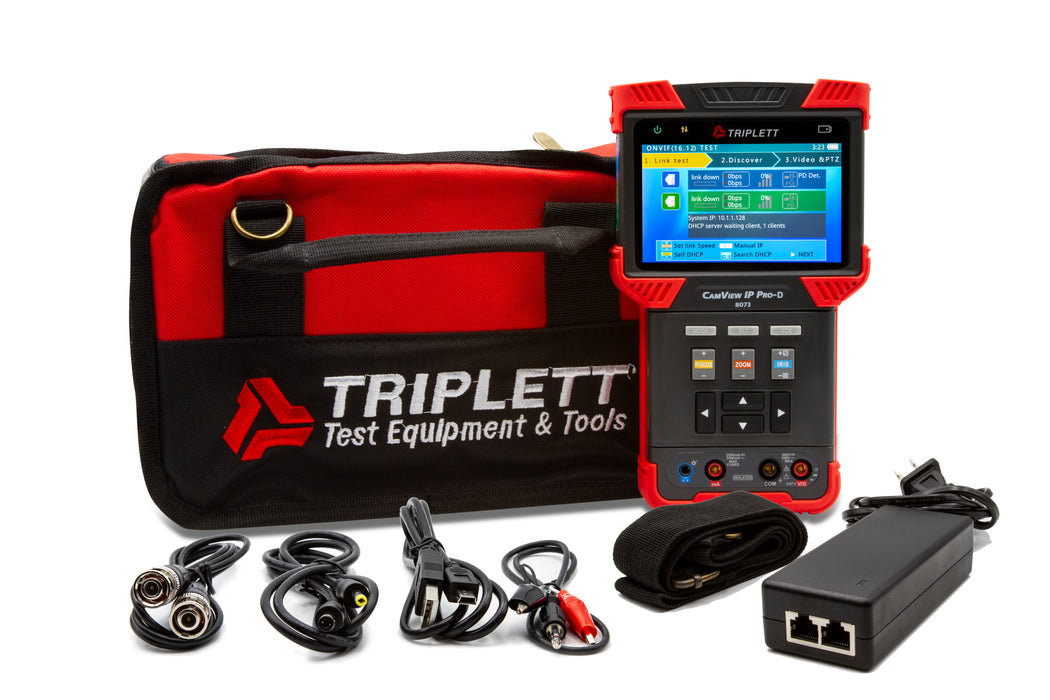
- Lanyard
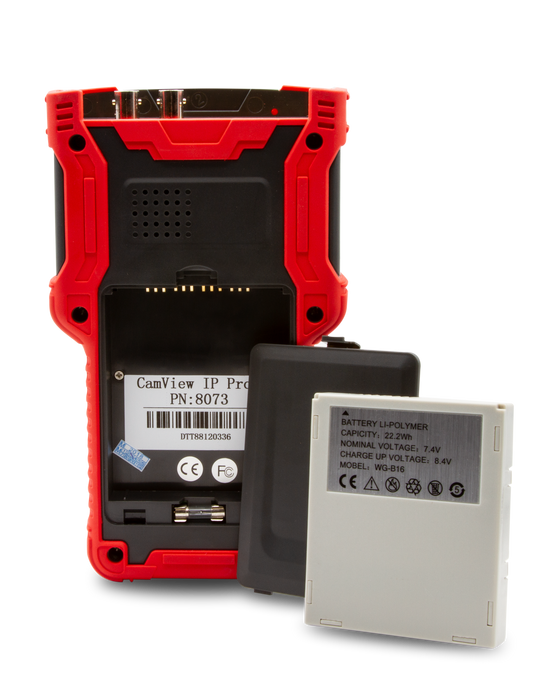
- Rechargeable Battery
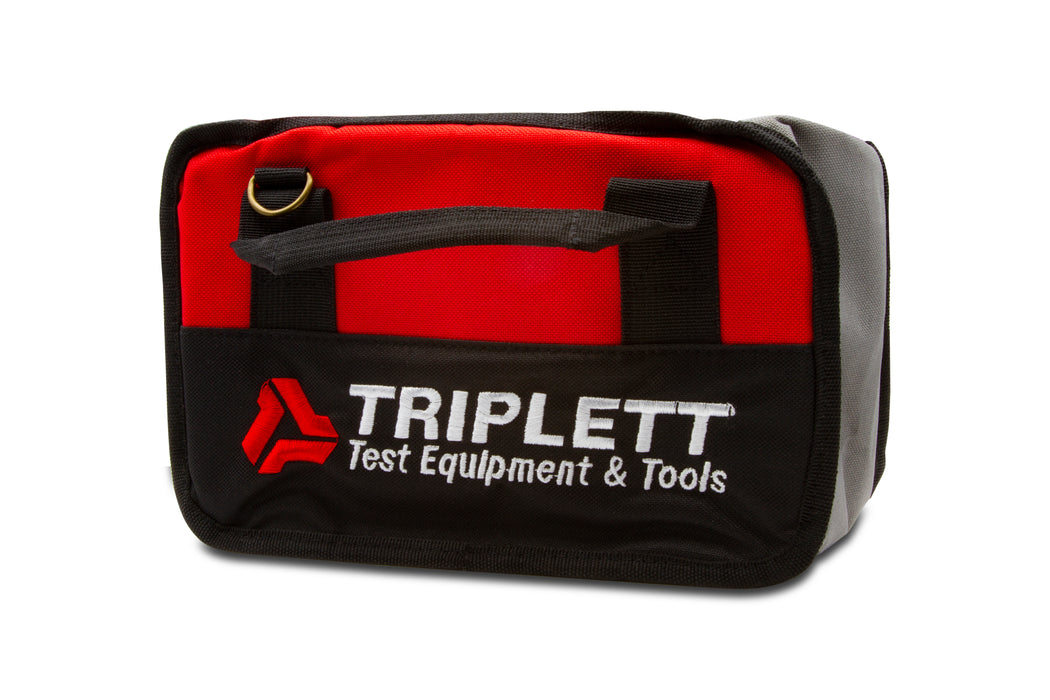
- Tool Bag with Shoulder Strap
- POE Power Injector, Network Cable
- BNC Cable
- RS485 Cable
- 12V Power Output Cable
- Audio Cable
- USB Cabl
Further, it's worth noting that many new IP cameras demand an initial setup on a computer. This setup often involves establishing a unique username and password, downloading any software updates provided by the manufacturer, and creating an ONVIF user. If these steps are needed, you should be able to find specific instructions in the camera's user manual or on the manufacturer's website.
and Axis ONVIF Setup V178 Document
When viewing analog cameras the format and pattern can be changed in the “Analog video generator” section of the main menu.