Skip to content
Triplett Full Product Catalog: Volume 27 Now Available

Country

OPEN BOX - CamView Analog Camera Tester- (8064-OB)

Best Seller
SKU 8064-OB
614395004347
Save 30% Save 30%
Original price $219.99
Original price $219.99 - Original price $219.99
Original price $219.99
Current price $153.99
$153.99 - $153.99
Current price $153.99

Extended Lead Time: Up to 11 business days for NIST Calibration

Product Information

  • The Triplett CamView 8064 Analog Camera Tester is designed to simplify the installation and maintenance of surveillance video equipment using standard-definition analog NTSC/PAL, HD-TVI, HD-CVI, and AHD camera systems.
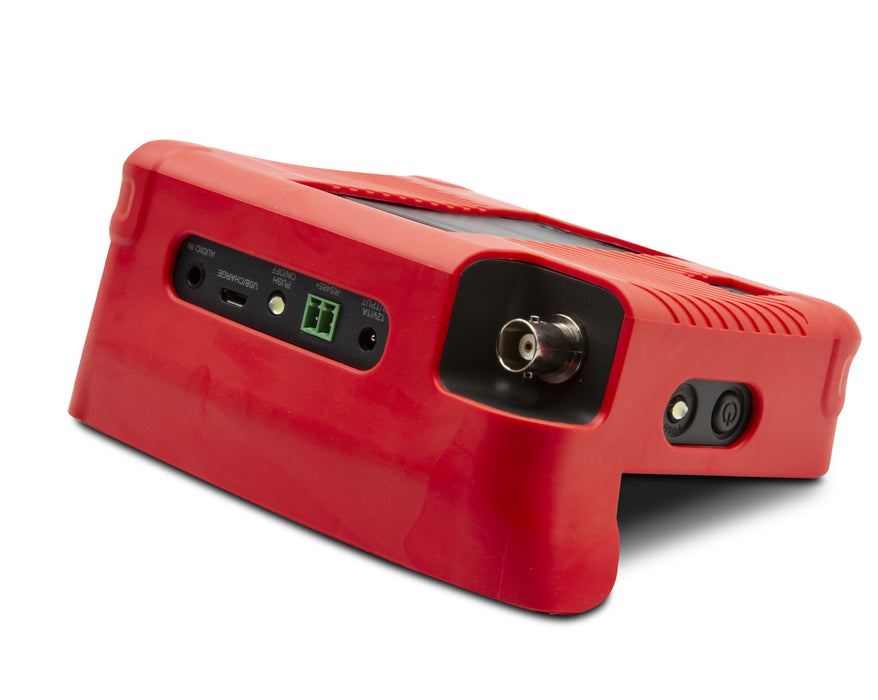
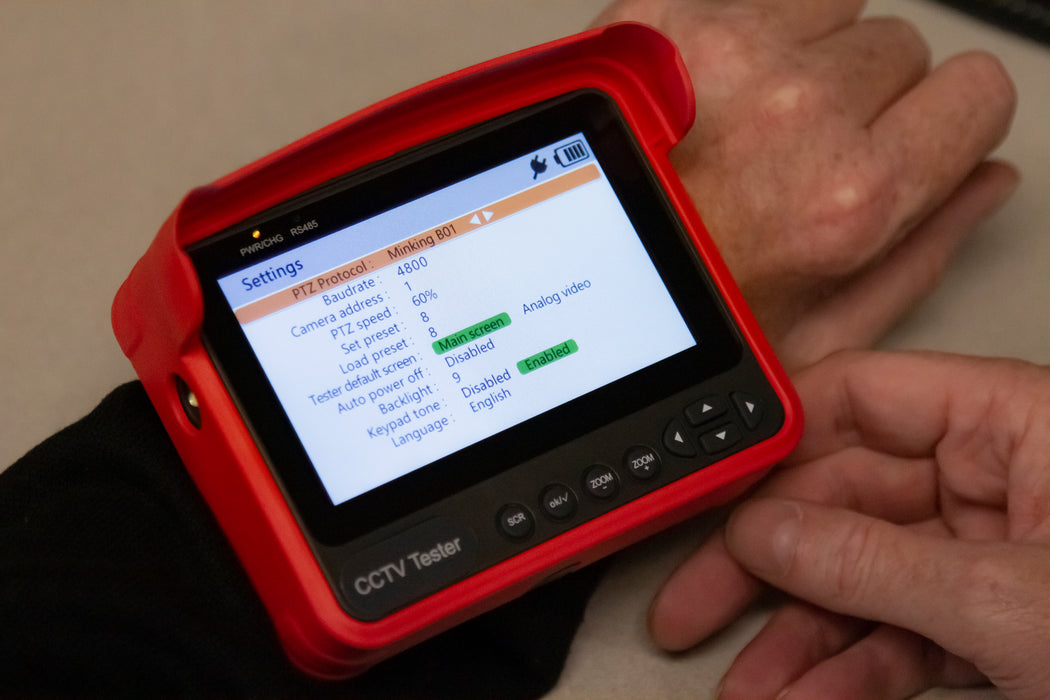
  • Features an RS485 port for testing Pan-Tilt-Zoom (PTZ) cameras and supports more than 30 PTZ protocols.
  • Provides 12V DC output (not exceeding 1A) to power analog cameras.
  • Supports microphone and audio testing on cameras and includes a built-in flashlight for added convenience.
  • Supports HD cameras up to HD-TVI 3.0, HD-CVI 3.0, and AHD 2.0.
  • This powerful, portable tester is designed with technicians in mind to help perform installation and maintenance tasks quickly and efficiently.
  • Analog testing for up to 8MP cameras; Automatically recognizes the type of encoding: SD Analog, AHD 2.0, HD-CVI 3.0, HD-TVI 3.0
  • RS485 port for testing the Pan-Tilt-Zoom (PTZ) and supports more than 30 PTZ protocols
  • 12VDC/1A output
  • Analog Video Generator and HD Video Generator (up to 1080P 30fps); Screen shot, video recording, and frame by frame or streaming playback
Specifications 8064
Video Format Auto recognizes NTSC/PAL, HD-CVI 3.0, HD-TVI 3.0, AHD 2.0
Test Pattern Generates NTSC/PAL, HD-CVI, HD-TVI, or AHD test patterns (720P/1080P)
Signal Level 1vpp
Input/Output Video IN BNC, Video OUT BNC
Digital Zoom Supports 8-level portion view
Capture  Take snapshot or record video
Output 12V/1A power output to camera
Screen 4 inch TFT 800*RGB*480(WVGA) resolution, 16.7M color
Backlight with adjustable brightness
Operation  Power key, 13 control keys 
Language User selectable -- English, French, Spanish, Russian, Chinese
Auto Shut-off  Disable / 5~60 minutes
Software  Supports online upgrade through USB using your PC
Charger 12V/1A (5.5mm) power supply
Battery 7.4V lithium-ion polymer battery, capacity 10.4Wh
Battery runtime Approximately 5 hours
Power Saving Auto power off; Real-time battery level indicator
Storage 8GB flash built in; use microUSB port to connect external device
LED Light  (2) 35lm LED lights
Dimensions/Weight 6.9 x 4.4 x 1.5" (175 x 113 x 37mm); 3.5lbs (1.6kg)
  • BNC, RS485, USB, audio, power, and 12V power output cables
  • Battery
  • Belt clip
  • Tool bag with shoulder strap
User name and password information is not an error of the tester. This information is the camera only. Our testers do not have any passwords or user information requirements. If you are having trouble with passwords you need to contact the camera manufacturer or refer to their manual for default user name password information or details on any special set up specifications they may have for initializing their cameras.
How do I setup an AXIS Camera to allow ONVIF Users
A. Download our Setting up an Axis Camera to allow ONVIF Users Document
and Axis ONVIF Setup V178 Document
Updates for the unit are performed by connecting the unit to a network via the rj45 port, going into settings, scrolling down to “System Upgrade” and hitting the right arrow. The unit will automatically look for any new updates available. This process id detailed in the user manual section 4.7.3. When viewing analog cameras the format and pattern can be changed in the “Analog video generator” section of the main menu.
 Need Help? Our experts are here to help you 
Contact Us