Product Information
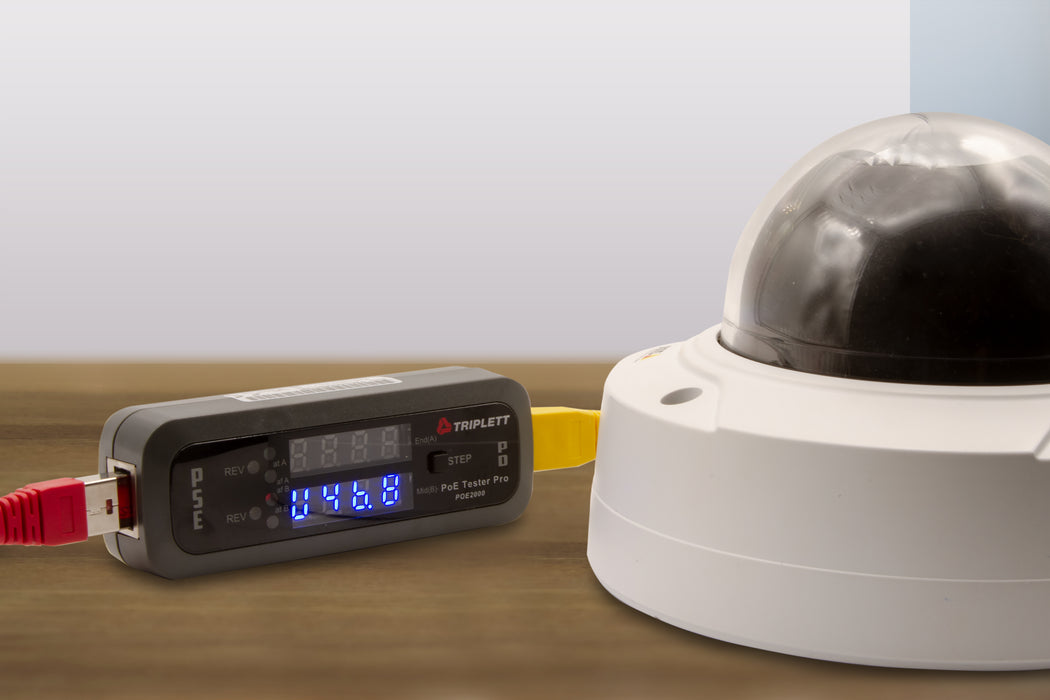
The POE2000 helps to speed up the installation and troubleshooting of PoE system devices. It can detect PSE-type/class, power source, polarity, voltage, current, power, and whether it is End Span (1/2, 3/6), Midspan (4/5, 7/8), or across all 4 pairs. If you are a VoIP phone and IP camera installer, you will know if there is power and a data pair available for your equipment. There is a test mode that can determine if a standard PoE (36 to 60V) or non-standard (11 to 60V) passive PoE is being used. For inline power level monitoring the display alternates between Voltage, Current and Power and incorporates a step button for selecting specific data to display. No batteries required, uses system power when connected to a device.

CATEGORY: POE TESTERS & EQUIPMENT
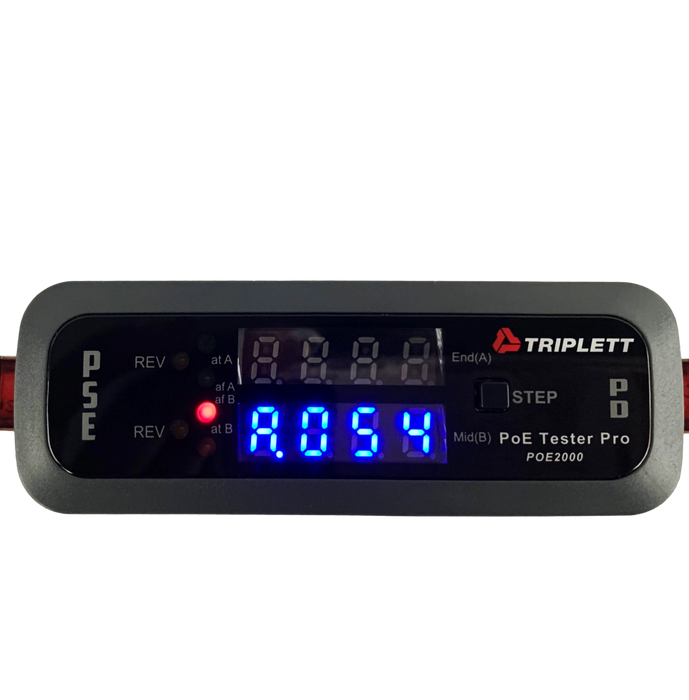
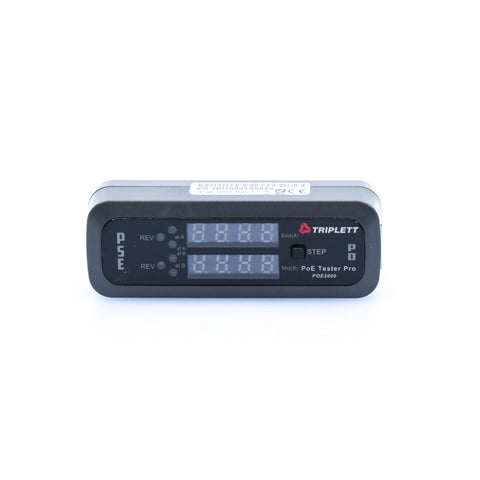
- 4 LEDs indicate IEEE802.3af or 802.3at/bt standard
- Dual 7-digit LEDs indicate power source either end (A) Span (1/2, 3/6) or Mid (B) span (4/5, 7/8) or both for bt
- 2 Yellow LEDs indicate reversed polarity for power type
- Display alternates between Voltage, Current and Power with a step button for selecting specific data to display
PoE Tester Pro
Detects PSE-type/class, power source, polarity, voltage, current, power, and whether it is End Span, Midspan, or across all 4 pairs. When used inline, the display alternates between Voltage, Current and Power with a step button for selecting specific data to display.
Triplett Solutions for Every Contractor
|
|
|
|
|
|---|---|---|---|
|
Four LEDs indicate IEEE802.3af or 802.3at/bt standard. |
Dual 7-digit LEDs indicate power source either End Span (1/2, 3/6) or Mid Span (4/5, 7/8) or across all four pairs. |
Determines standard PoE or non-standard passive PoE. |
Two yellow LEDs indicate reversed polarity for power type. |
Applications
This tester helps to speed up the installation and troubleshooting of PoE system devices. If you are a VoIP phone and IP camera installer, you will know if there is power and a data pair available for your
| POE2000 | |
| Connector Interface | 2X RJ45 (PSE & PD Test Jacks) |
| Voltage Range | Standard PoE: 36 to 60V; Non-Standard: 11 to 60V |
| Max Current (based on 50V) | 990mA/50W per mode; Total 2A/100W |
| Function Selection Mode | T Mode: for detecting PSE status |
| N Mode: for determining non-standard PoE + inline testing | |
| I Mode: for testing & monitoring real-time power status | |
| Display | 4 LEDs indicate IEEE802.3af or 802.3at/bt standard |
| Dual 7-digit LEDs indicate power source either end (A) Span (1/2, 3/6) or Mid (B) span (4/5, 7/8) or both for bt | |
| 2 Yellow LEDs indicate reversed polarity for power type | |
| Display alternates between Voltage, Current and Power | |
| Step Button | For selecting specific data to display |
| Power | Uses system power when connected to a device |
| Dimensions/Weight | 3.9 x 1.4 x 1 ” (99 x 36 x 26mm)/1.6oz (45.4g) |